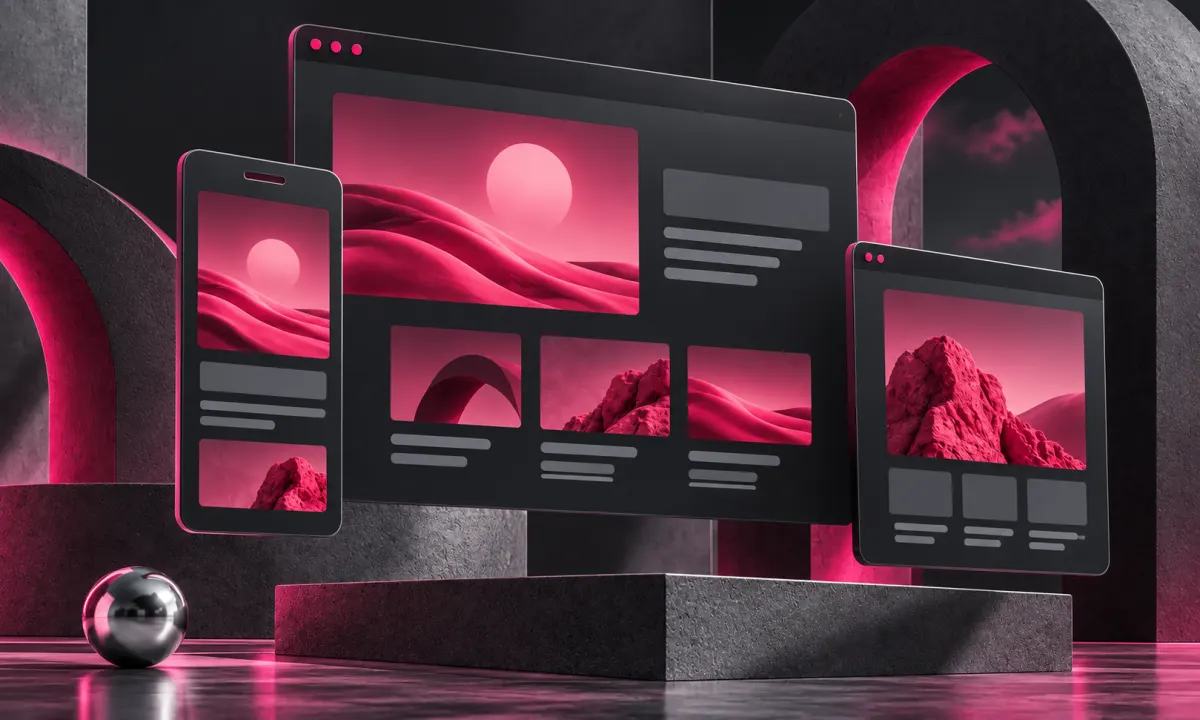

Before redesigning a WordPress website, make an inventory of what already exists. A beautiful new homepage is not a replacement for the articles, enquiries and useful URLs behind it. Moving to a lighter PHP site can be sensible, but the migration still needs a deliberate content and redirect plan.
A freelance website developer should inventory existing URLs, useful content and important forms before changing the design. Ask your freelance web designer and developer to show what will be preserved, what will move and how those decisions will be checked. A redesign milestone should include a working mobile journey and a content migration sample, not only a picture of the new homepage.
Build an inventory with a purpose
Collect the current pages, articles, media files and form destinations. Identify pages that receive visits, enquiries or external links using the tools you actually have access to. Note the old titles and canonical URLs. This is an evidence exercise: a page should not disappear simply because nobody remembered it during the design meeting.
Map each important URL
Preserve a URL where practical. If it changes, choose the closest relevant destination and use a permanent server-side redirect. Avoid sending every old article to the homepage, which gives visitors an unhelpful result. If content is genuinely retired, handle that decision explicitly. Google’s migration guidance recommends a clear mapping and checks of the old and new locations.
Rebuild the journeys around the content
Check navigation, internal links, enquiry forms and product paths in the new design. A form that displays a success message without delivering email is not a completed migration. A bilingual page needs the right counterpart, not a language button that always sends people to the homepage. Verify images and downloadable resources too.
Launch in a way you can observe
Keep a recoverable backup, check the server rules and remove any staging-only indexing restrictions at the correct moment. Submit the new sitemap and inspect representative URLs after launch. Watch errors and meaningful enquiries. Search visibility can fluctuate during changes; nobody can promise that a redesign will preserve every ranking instantly.
The migration checklist
- Content and asset inventory
- Old-to-new URL mapping
- Forms and important journeys tested
- Canonicals and language pairs checked
- Sitemap, backups and post-launch monitoring
Rivaux Designs itself is being rebuilt around this approach. The lightweight architecture is valuable, but preserving useful content and clear routes remains part of the job.
Explore the service and discuss your project.
Further reading: Hiring a freelance WordPress developer: look beyond the theme.
Sources & further reading
Have a correction or a question about this article? Contact Benoit.